 YUNKA MALL
How to Get PokéCoins in Pokémon GO: Gym Defense and Top-Up Guide
Earn PokéCoins from Gym Defender rewards or buy them in the in-game Shop, official Web Store or a third-party service. Check the daily limit, credit timing and what to review before ordering.
PokéCoins are Pokémon GO’s in-game currency. They can be exchanged for items, passes, storage expansions and avatar items. There are two main ways to get them: earn Defender rewards by leaving a Pokémon at a Gym, or buy them through the in-game Shop, official Web Store or another service. Here are the rules and steps for each option.
1. Earn PokéCoins by defending Gyms
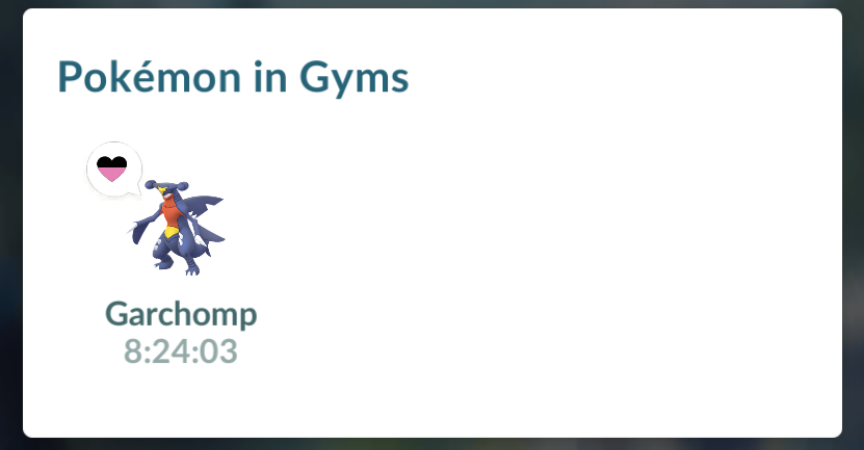
You can place a Pokémon at an eligible Gym to defend it. In general, a longer defense can earn more PokéCoins. The reward is credited when the Pokémon returns from the Gym, rather than in real time.
Key rules
- When coins are credited: The game settles the Defender reward and shows a notification when your Pokémon returns.
- Daily limit: The current daily limit is 50 PokéCoins from Gym defense. It still applies if several Pokémon return on the same day or one Pokémon returns after defending for multiple days. The official limit may change.
- Extending a defense: Feeding Berries can restore motivation and help your Pokémon continue defending. The daily coin limit still applies.
Where to check
Use the in-game Today View to see defending Pokémon and your progress toward the daily reward limit. The return notification also shows the reward. The Help Center lists the history under Main Menu > News > Notifications; menu wording may vary by version and language.
2. Buy PokéCoins
If you want to buy coins directly, compare the current packs and payment options in the in-game Shop, official Pokémon GO Web Store and third-party services. Packs, prices and regional availability may vary, so check the page shown to you before paying.
1. Purchase through the in-game Shop
The usual steps are: open the Poké Ball menu from the map, tap Shop, choose a PokéCoin pack, and follow the payment prompt. On iOS, payment goes through the App Store; on Android, the Help Center lists Google Play or Galaxy Store.
Coins are usually delivered to the game account currently signed in. If you were charged but the balance has not updated, check your purchase record and follow the official troubleshooting steps instead of placing the order again.
2. Pokémon GO official Web Store
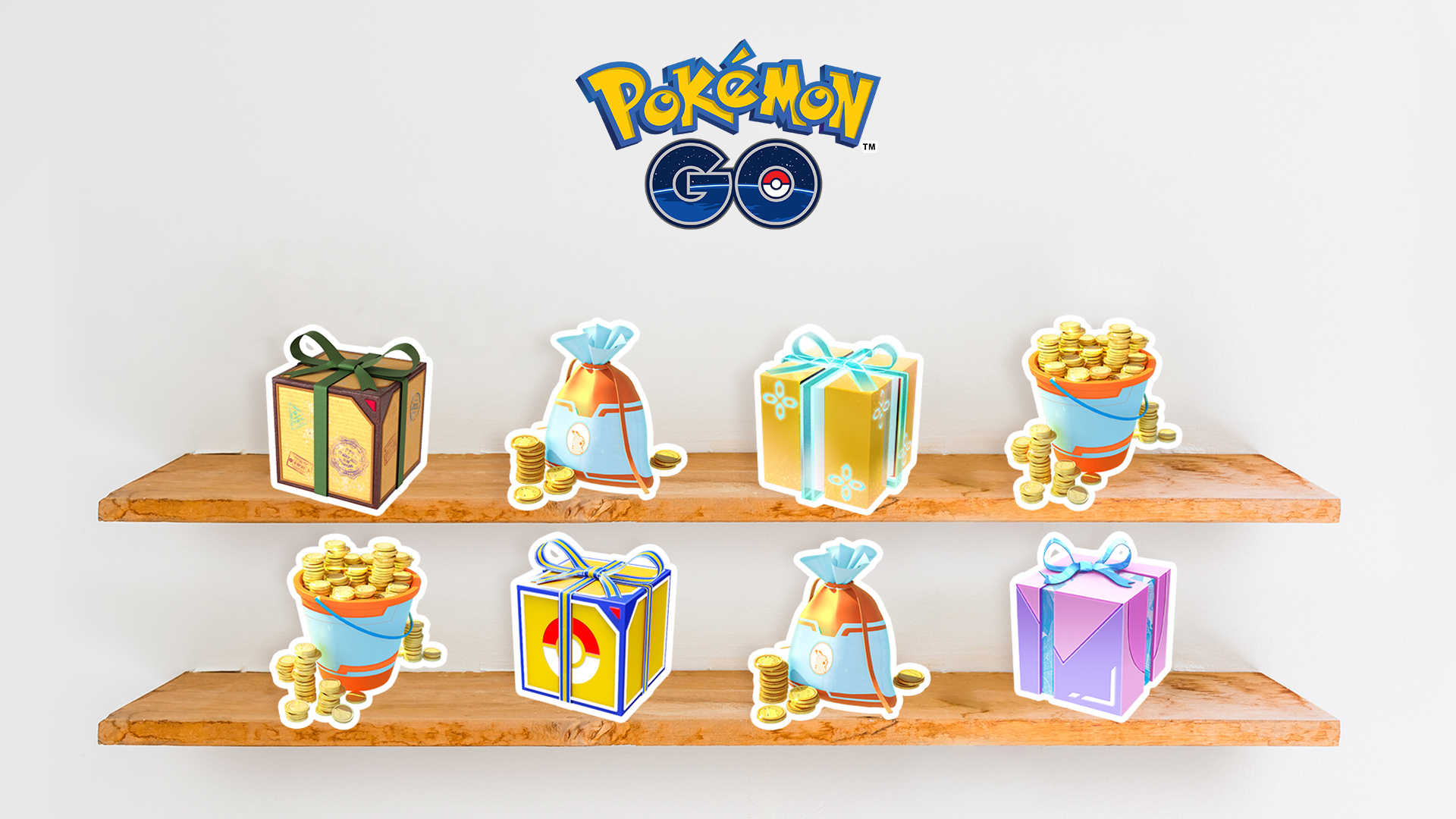
Open the official Pokémon GO Web Store in a browser to check PokéCoin packs, item bundles and payment methods currently available in your region, then follow the checkout steps. Products and prices may change by region or event.
The Web Store uses supported Pokémon GO sign-in methods. If your account is linked only to Pokémon Trainer Club (PTC), you may need to link another supported sign-in provider first. Check the official account-linking guidance before proceeding.
The Web Store may also offer promo-code redemption or Reward Road rewards. Only eligible purchases earn Reward Road points; some items are excluded, and claim deadlines or reset rules may change. Check the current official terms.
3. Third-party top-up services
If you need another way to top up, compare the third-party provider’s product details and after-sales terms first. Confirm the supported game sign-in methods, information required, manual processing time, order tracking and support hours before ordering. A third-party service is not the official Pokémon GO Store. Review its account authorization and verification steps, and keep your order number and payment receipt.
You can review the current requirements and process on the YUNKA MALL Pokémon GO PokéCoins page. YUNKA MALL is an independent third-party service and is not the official store of Pokémon GO, Scopely or Nintendo. For a pre-order checklist, see our PokéCoin account checks and order verification guide.
Check before and after a purchase
Whichever option you choose, verify the game account and pack before paying. Afterwards, check your in-game balance and order record. If there is a payment or delivery issue, contact the relevant provider with your order number and payment receipt.
Sources
- Pokémon GO Help Center — Earning the Defender Bonus · 2026-10-19
- Pokémon GO Help Center — How can I purchase items and PokéCoins? · 2026-10-19
- Pokémon GO Help Center — Why didn’t I receive the 50-coin Defender Bonus? · 2026-10-19
- Pokémon GO — Update to Android Offer Code Redemption (PTC login note) · 2026-10-19
- Pokémon GO Web Store — official store and current PokéCoin packs · 2026-10-19