
Pokémon GO Top-Up
Get coins for less
Order progress and support in one place
Top up and keep exploring
Choose a package, then enter your account details.
- Manual top-upProcessed by support, usually in 15–30 minutes
- Account top-upManual processing, tracked in your order
- After-sales supportDaily 8:00–24:00
Choose your top-up items
Select across categories and adjust quantities in each package.Before you buyCollapse
礼包中若包含「远距团体战入场券」,请先确认游戏内允许继续购买和持有该券,否则道具可能无法正常发放。
金币类商品不受此限制。
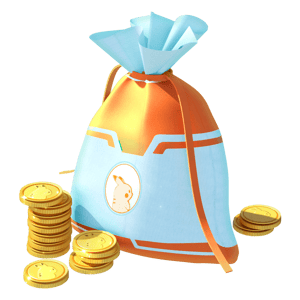
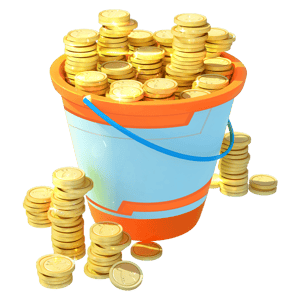
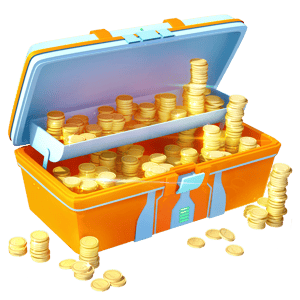
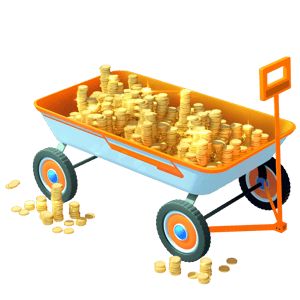





How we sign in to your game account
Choose the method we use to access your game account核对本次充值
核对商品与游戏账号,下一步选择支付方式。Product details
- 商品类型
- 游戏充值
- Delivery
- Manual top-up
- 账号要求
- Depends on the selected sign-in method
- After-sales policy
- View refund policy →
Top-up guide
Prepare your details to avoid delays.
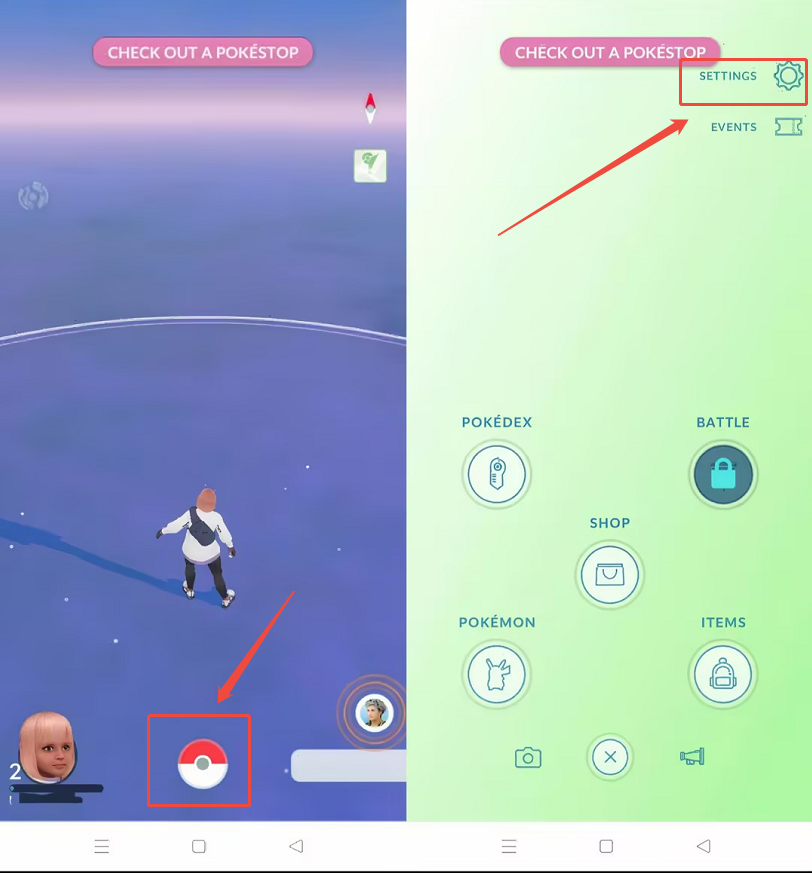
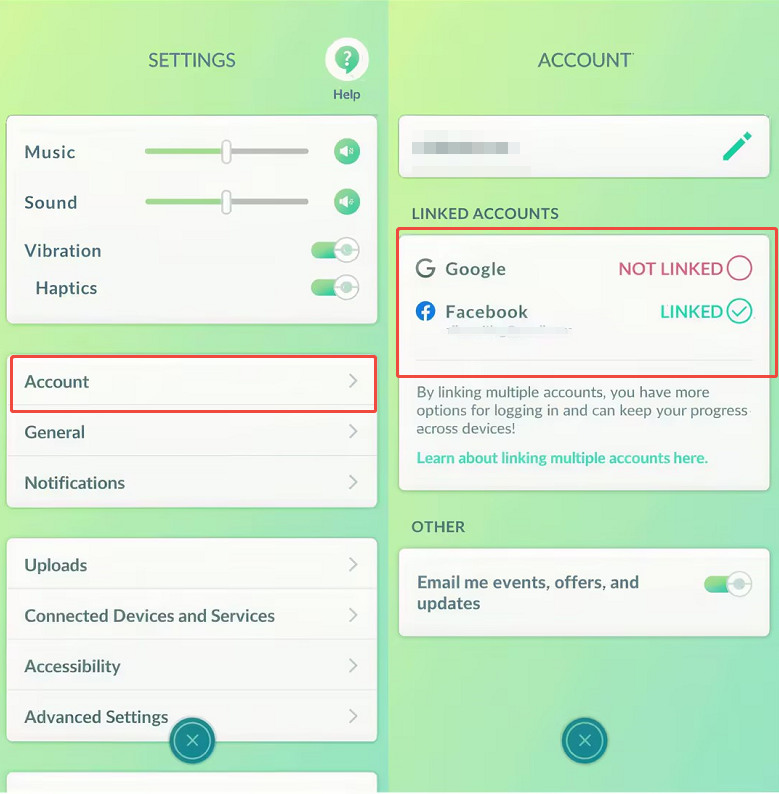
Check your linked account
IllustrationOpen Settings → Account in the game to check your linked sign-in methods and account details.
Details to prepare for each sign-in method
- The Google email address linked to your game account
- The email address or phone number used to sign in to the linked Facebook account
- PTC (Pokémon Trainer Club)
- Your account username; complete any other fields as requested on the order form


Your Trainer nickname and Friend Code are not your sign-in account. If you are unsure which account to enter, contact YUNKA MALL support before ordering.
Screenshots are for guidance. The interface may vary with your game version.
Order status and support
After ordering, open My Orders on YUNKA MALL and select your order to view its progress, support messages and sign-in verification requests.
Awaiting payment
Your order has been created. Follow the instructions to complete payment.
Awaiting review
Your payment receipt has been submitted and is awaiting review.
In progress
Payment is confirmed. Your order is queued or being processed.
Completed
Your top-up has been processed. Check your balance in the game.
How long does a top-up take?
After payment is confirmed, support processes your top-up manually. Delivery time depends on queues, account status and sign-in verification. Check your order page for the estimate and latest progress.
What if verification is required?
If sign-in requires a code, phone confirmation or other verification, support will send a request through your order. Open that request and follow the instructions.
FAQ
Can I buy more than one coin package at a time?
Yes. Select multiple packages and adjust the quantity of each separately. Review the items, quantities and total before confirming your order.
Can I top up with only my nickname and Friend Code?
This service requires signing in to your game account. Enter the sign-in details requested on the order page; a Trainer nickname or Friend Code alone is not enough.
I usually sign in with Apple. How should I order?
The top-up page currently supports Google, Facebook and PTC sign-in. If your game account is already linked to one of these, select that method. If it is not linked or you are unsure, contact support before ordering.
What if I do not receive a code or phone confirmation prompt?
Open the verification request in your order, check the requested method, and select “I didn't receive a prompt.” Support will help you continue verification.
What if I entered the wrong details or my order was rejected?
Check the rejection reason or support message in your order. If editing is available, correct your top-up details and resubmit. Do not pay again for an order you have already paid for. If you cannot edit it, contact support.
My order is complete, but I cannot see the coins. What should I do?
Make sure you are signed in to the account used for this top-up, then reopen the game and check your balance. If the coins are still missing, contact support through your order with your order number and a screenshot of your current coin balance.
Is YUNKA MALL the official Pokémon GO store?
YUNKA MALL is an independent third-party top-up service, not the official Pokémon GO store. Game names, trademarks and materials belong to their respective owners.