
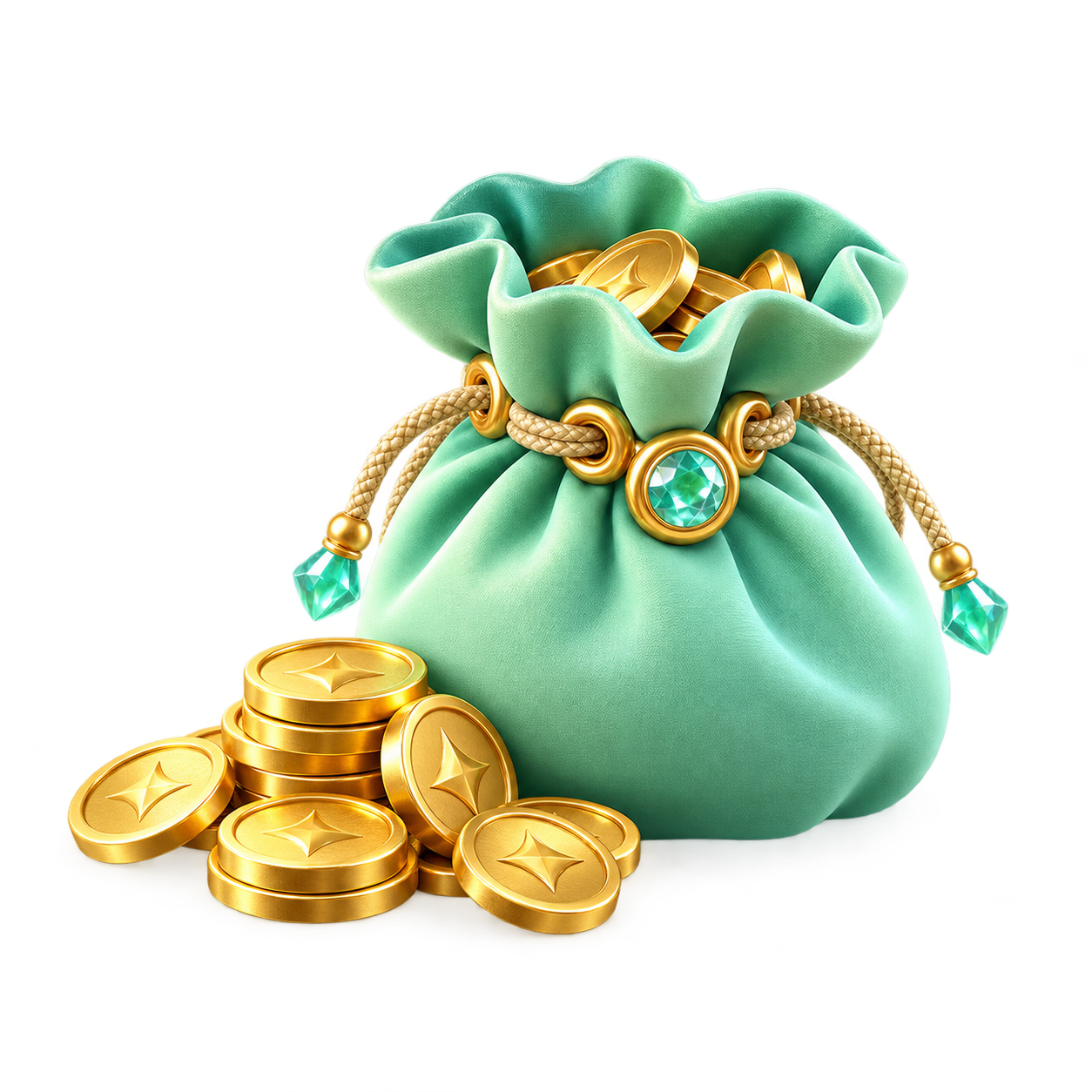
 1200 coins¥35
← Back to products
1200 coins¥35 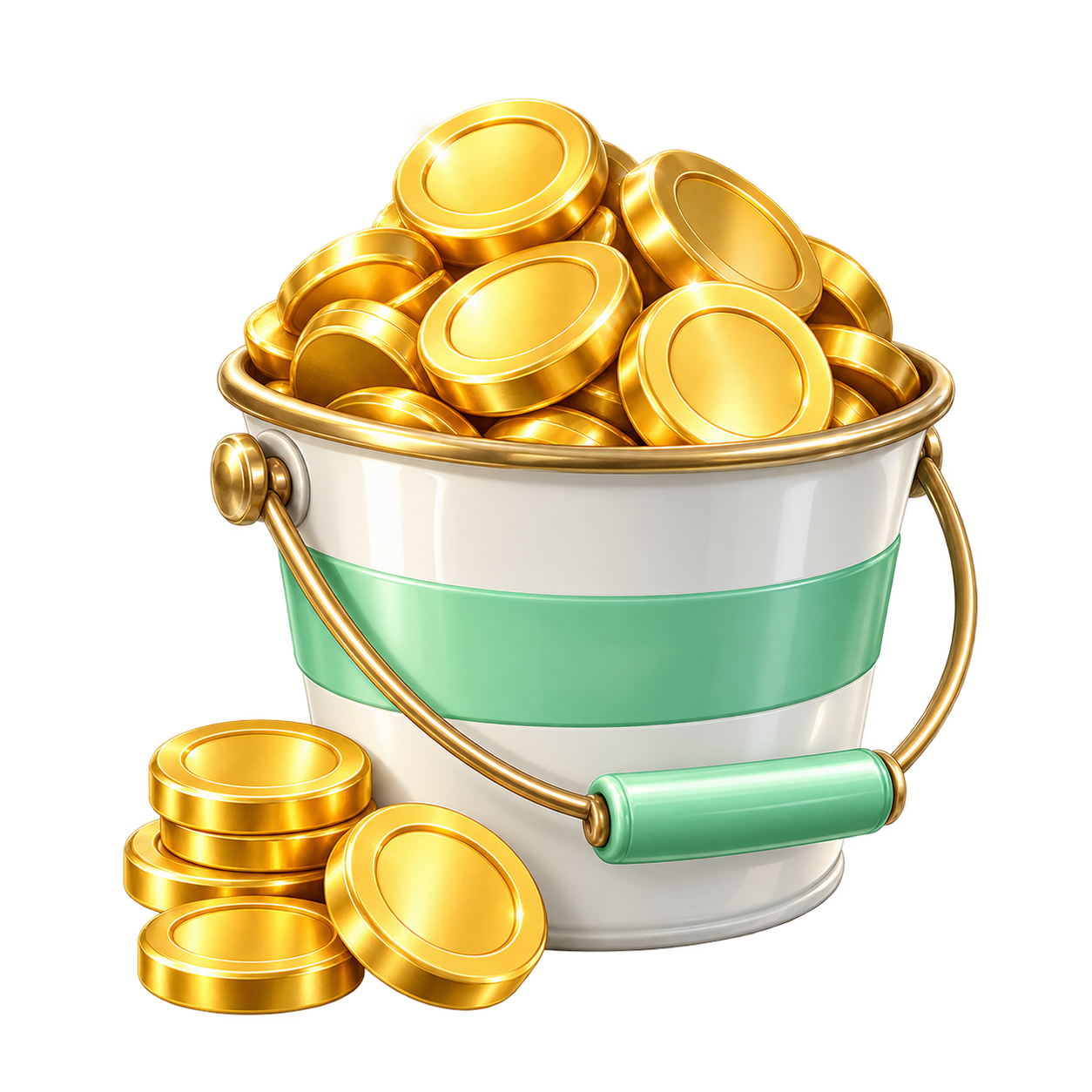 2500 coins¥67.80
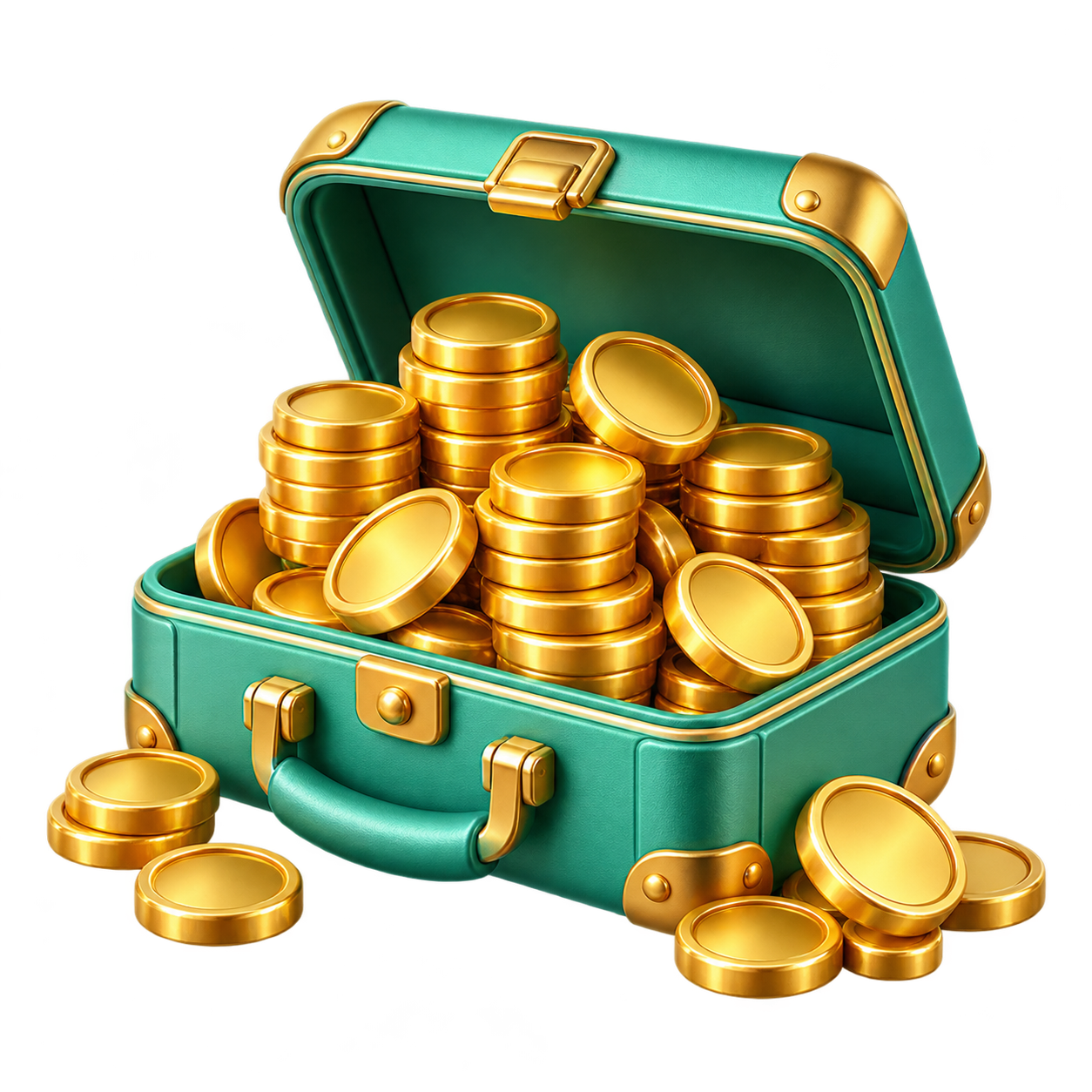 5000 coins¥118
 12500 coins¥279.50
 27500 coins¥650
Keep your walks blooming
Pikmin Bloom Coin Top-Up
Buy Cheap Pikmin Bloom Coins with Confidence
Manual top-up
01 / Add items
Walking supply shop
Use + to add supplies and adjust each item's quantity.
1200 coins¥352500 coins¥67.805000 coins¥11812500 coins¥279.5027500 coins¥650Capacity upgrades
No items are listed here yet. You can browse coins instead.
Bundles
No items are listed here yet. You can browse coins instead.
All items are fulfilled by staff. You can enter quantities directly.
02 / Game account
Send supplies to your garden
Choose the sign-in method linked to your game. Enter your account details once.
Choose a sign-in method, then enter its game account.
Top-up details
Check carefully: digital items cannot be changed after delivery.
Enter the in-game name so we can verify your top-up account.
During this top-up, we may request aVerification code. Support will request it in your order. Return to the order page when you receive it.
Product details
This store provides a manual top-up service for Pikmin Bloom coins. Track delivery progress through your order.
Before you buy
This is a manual top-up service. Check the game, account and selected package before ordering. Support processes the top-up after payment confirmation. If a sign-in verification code is required, respond through your order messages.
Top-up guide
Choose items and quantities
Use + to add supplies in the shop. Adjust the quantity of each item separately.
Enter your game account
Choose Nintendo, Google, Facebook or NIANTIC KIDS already linked to your game account. Enter the requested account details and check the character name.
Review items and check out
Check your items, quantities and account details, then select Confirm and check out. Follow the checkout instructions to pay.
Track progress in your order
Support processes your order manually after payment. If sign-in verification is requested, open the order and follow the instructions.
Order support
Open the relevant order in My Orders to view progress, support messages and sign-in verification requests.
To update top-up details, check delivery or report a problem, contact support through your order with the order number and a description.
FAQ
Can I buy multiple coin packages or other supplies at once?
You can select multiple available items and adjust each quantity separately. Check your list, account and total. For passes, limited bundles or other special items, confirm your account is eligible before ordering; contact support if unsure.
Can I top up with only my nickname and Friend Code?
No. This service requires signing in to your game account. Provide the linked sign-in account and the details requested on the order page. A nickname and Friend Code help identify your character but cannot replace sign-in details.
I usually sign in with Apple. How should I order?
This service supports Nintendo, Google, Facebook and NIANTIC KIDS sign-in, but not Apple sign-in. Choose a supported method already linked to your current Pikmin Bloom character. If only Apple is linked or you are unsure how to link another method, contact support before ordering; do not create a new game character.
What is the difference between coins, capacity upgrades and bundles?
Coin packages add to your in-game coin balance. Capacity upgrades and bundles follow their own item descriptions and are different from coin packages. Check the type, capacity or bundle contents you need. Items not currently listed are unavailable; do not order another item as a substitute.
Where can I track my top-up, and how long does it take?
Support processes your top-up manually after payment is confirmed. Open the relevant order in My Orders to view progress, support messages and verification requests. Queues and account verification can affect timing; check your order page for the estimate and latest updates.
What if I do not receive a code or phone confirmation prompt?
Open the verification request in your order, check the requested method, and select “I didn't receive a prompt.” Support will help you continue verification.
What if I entered the wrong details or my order was rejected?
Check the rejection reason or support message in your order. If editing is available, correct your top-up details and resubmit. Do not pay again for an order you have already paid for. If you cannot edit it, contact support.
My order is complete, but my coins or supplies are missing. What should I do?
Make sure you are signed in to the Pikmin Bloom character used for this order. Reopen the game and check your coin balance, relevant capacity or bundle items as appropriate. If anything is still missing, contact support through your order with the order number and a screenshot of the relevant screen. Do not purchase again while this is being checked.
Is this the official Pikmin Bloom store?
This store provides an independent third-party top-up service and is not an official game store. Game names, trademarks and materials belong to their respective owners.
Top-up service provided by YUNKA MALL. This is not the official game store.
Choose an item¥0