 YUNKA MALL
How to Get PokéCoins in Pokémon GO: Gym Defense and Top-Up Options
PokéCoins can be earned from Gym defense for free, or bought from the in-game shop, the official web store and third-party services. Here are the rules, the daily cap and what to check before ordering.
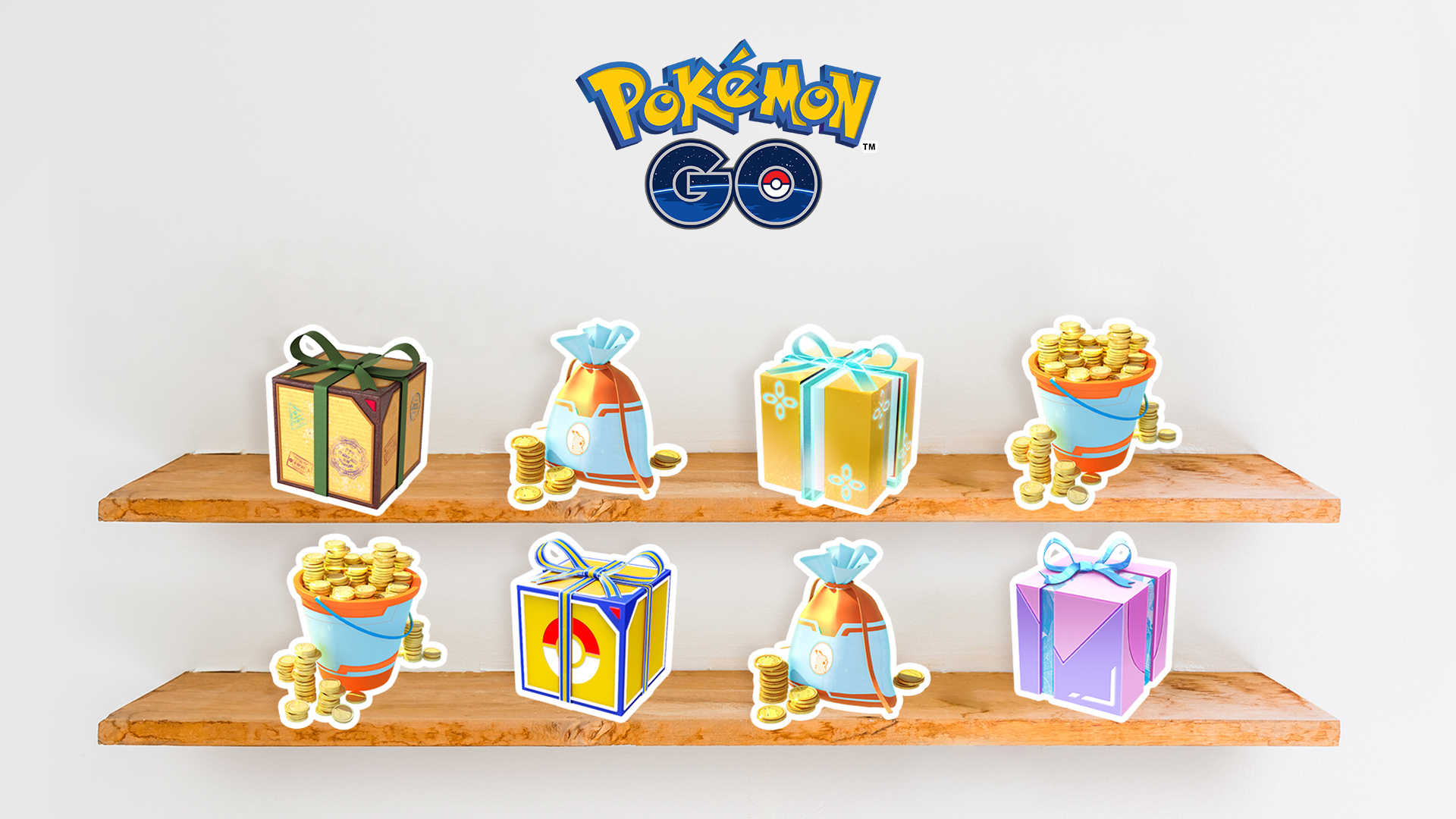
PokéCoins are the in-game currency of Pokémon GO. You use them for items, raid passes, bag upgrades and avatar cosmetics. There are two main ways to get them: earning them through Gym defense, or buying them from the in-game shop, the official web store and third-party services. Here is how each route works.
1. Earn PokéCoins from Gym defense (50 per day maximum)
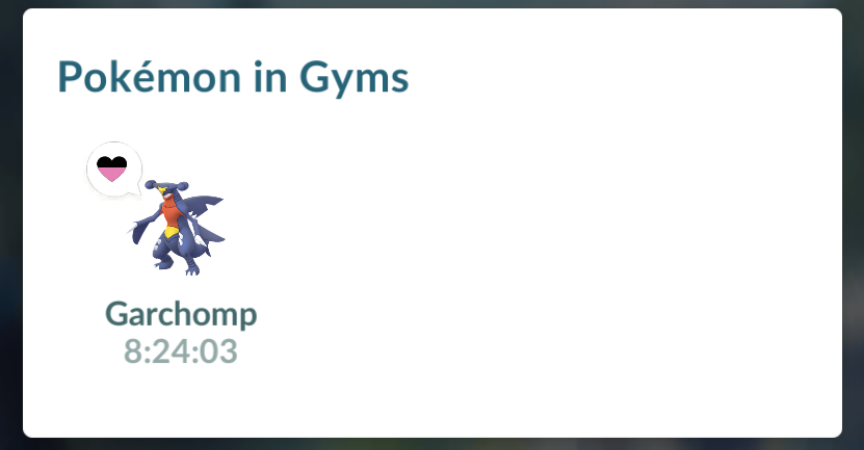
You can leave a Pokémon at a Gym to defend it. The longer it defends, the more PokéCoins you can earn, but the reward is settled when the Pokémon returns — not when you place it.
Core rules
- Settlement: after the Pokémon returns from the Gym, the game settles the defense reward and shows a notification.
- Daily cap: currently up to 50 PokéCoins per day from Gym defense. Multiple Pokémon returning the same day, or one Pokémon defending for several days, still count toward the same daily cap.
- Extending defense: feeding Berries to the defending Pokémon restores its motivation; the daily cap still applies.
Where to check
Your Journal shows the Pokémon currently defending Gyms and where those Gyms are. When a Pokémon comes back to your bag, the game notifies you and grants the reward.
A tip: look for Gyms slightly off the beaten path. Popular ones are often full, and you would need to defeat the defending Pokémon first. For the defender, Normal types such as Chansey and Snorlax are common choices; when attacking, Fighting types such as Machamp work well because Fighting beats Normal.
2. Buy PokéCoins directly (most convenient)
If you want to buy PokéCoins, compare the current packs and payment options in the in-game shop, the Pokémon GO official web store, and third-party services. On price, third-party top-ups are usually the cheapest, followed by the official web store.
In-game shop
The usual steps:
- Tap the Poké Ball at the bottom of the map to open the main menu.
- Choose Shop.
- Pick a PokéCoin pack.
- On iOS pay through the App Store; on Android pay through Google Play or the Galaxy Store.
Pokémon GO official web store
The web store shows the PokéCoin packs, bundles and payment methods available in your region; follow the page to complete the purchase. Products and prices vary by region and event, so choosing a cheaper region can save money.
The web store also offers promo code redemption and Reward Road rewards — remember to claim them after topping up.
Third-party top-up services
If you need another option, compare the product description and login requirements of third-party services first. Before ordering, confirm which sign-in method the game account uses.
You can check the YUNKA MALL Pokémon GO PokéCoin product page for the supported sign-in methods, order details and service flow.
We use the low-price Indonesia region top-up route, which is an official purchase method and relatively safe: it goes through the web store, every payment has a record, and you can claim each Reward Road reward.
Check before and after buying
Whichever route you choose, confirm the game account and the pack contents before ordering. After purchase you can check the in-game balance and order records; if a payment or delivery problem comes up, contact support with the order number and payment proof.