
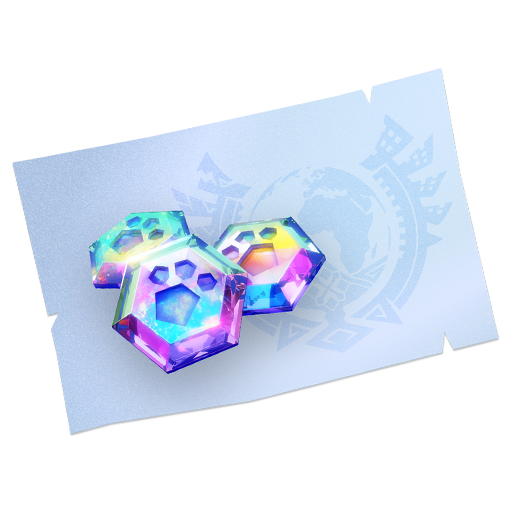
 Prime Hunter PassManual top-up
¥25
Order progress and support in one place
点+加入清单,通行证与宝石的数量分别调整。
Prime Hunter PassManual top-up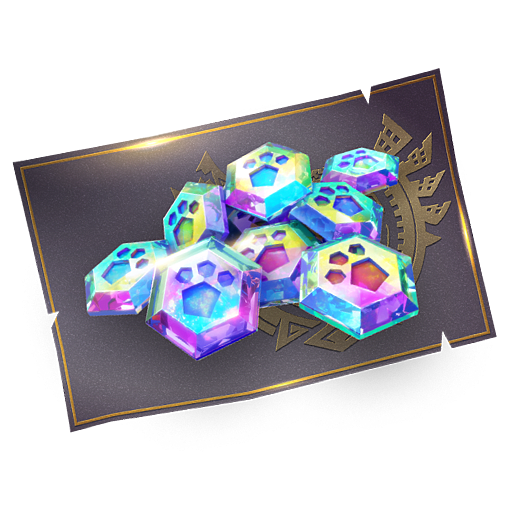 Extreme Hunter PassManual top-up
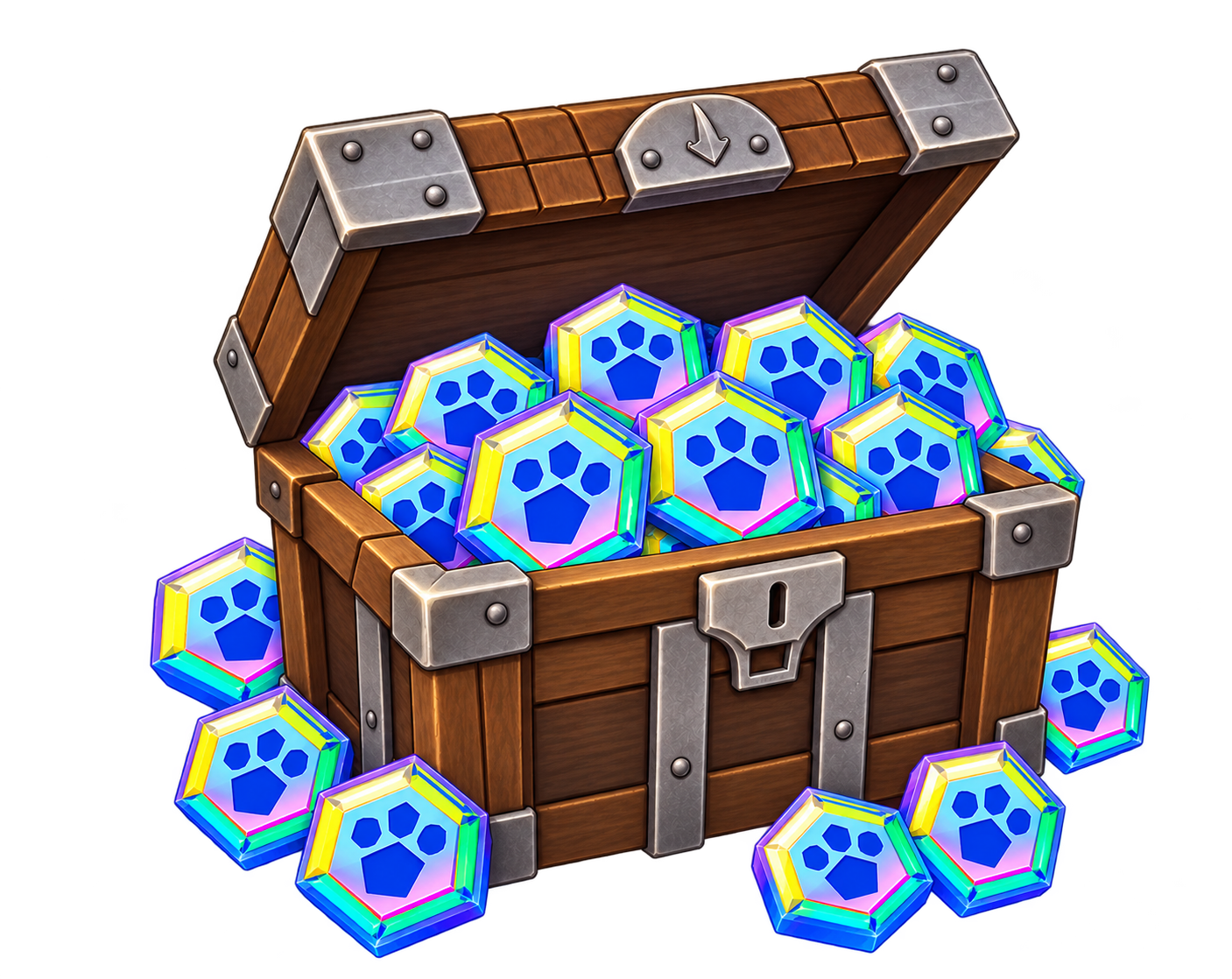 5000 gemsfirst purchase 7500 gems首次充值奖励以账号资格为准
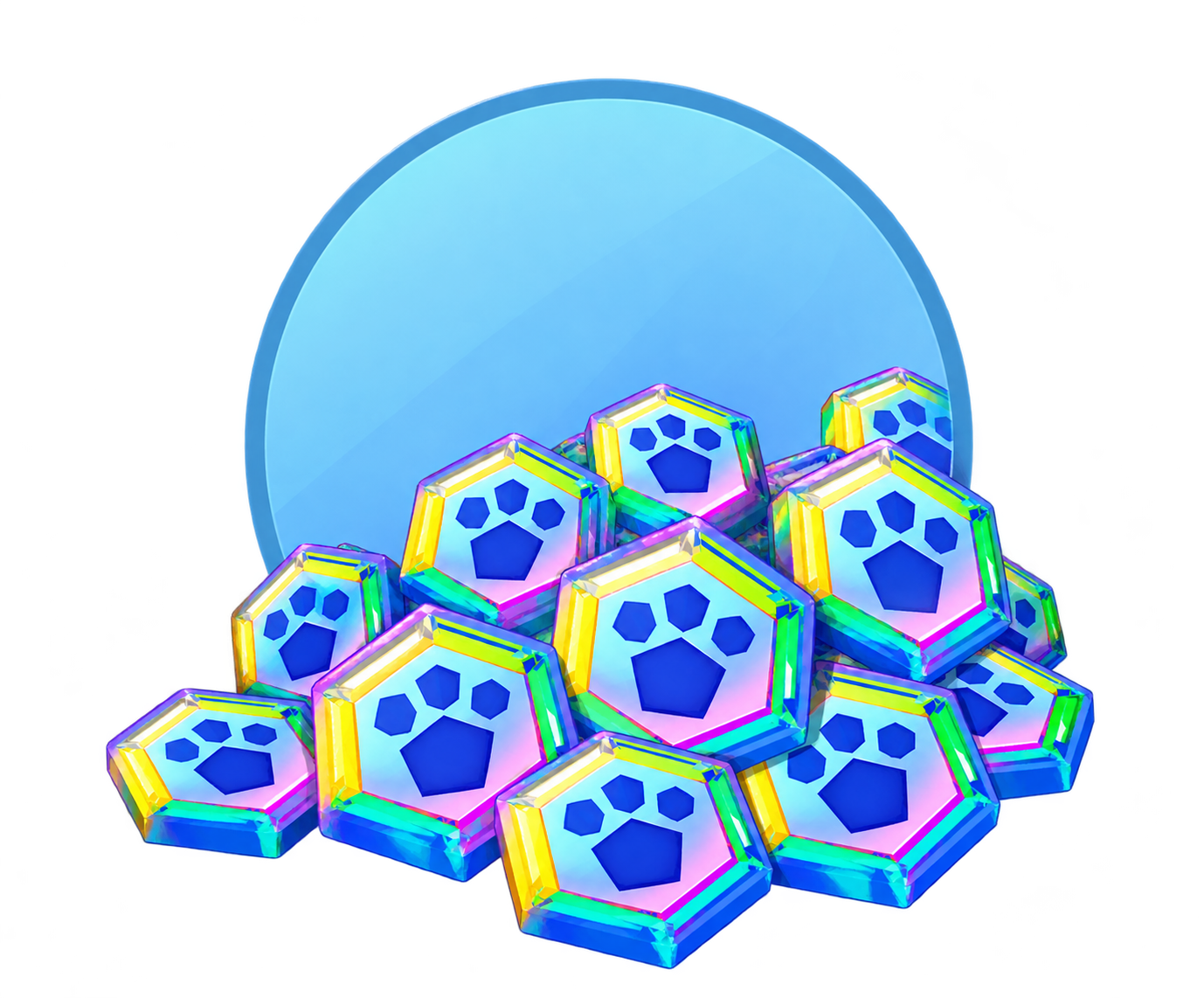 10000 gemsfirst purchase 15000 gems首次充值奖励以账号资格为准
可直接输入购买数量,再填写同一份游戏账号资料。
用游戏绑定的账号充值,资料只需填写一次。
Choose a sign-in method, then enter its game account.
Use + to add supplies in the shop. Adjust the quantity of each item separately.
Choose Google already linked to your game account. Enter the requested account details and check the character name.
Check your items, quantities and account details, then select Confirm and check out. Follow the checkout instructions to pay.
Support processes your order manually after payment. If sign-in verification is requested, open the order and follow the instructions.
Open the relevant order in My Orders to view progress, support messages and sign-in verification requests.
To update top-up details, check delivery or report a problem, contact support through your order with the order number and a description.
You can select multiple available items and adjust each quantity separately. Check your list, account and total. For passes, limited bundles or other special items, confirm your account is eligible before ordering; contact support if unsure.
No. This service requires signing in to your game account. Provide the linked sign-in account and the details requested on the order page. A nickname and Friend Code help identify your character but cannot replace sign-in details.
This service supports Google sign-in only, not Apple sign-in. First link a working Google account to your current Monster Hunter Now character in the game settings, then choose Google when ordering. Contact support first if you are unsure about the linked account.
No. First-purchase bonuses depend on your account meeting the game's eligibility conditions for that package and are not guaranteed on repeat purchases. Check your purchase history before ordering. If unsure, contact support; the delivered amount depends on your actual eligibility and the selected item description.
Support processes your top-up manually after payment is confirmed. Open the relevant order in My Orders to view progress, support messages and verification requests. Queues and account verification can affect timing; check your order page for the estimate and latest updates.
Open the verification request in your order, check the requested method, and select “I didn't receive a prompt.” Support will help you continue verification.
Check the rejection reason or support message in your order. If editing is available, correct your top-up details and resubmit. Do not pay again for an order you have already paid for. If you cannot edit it, contact support.
Make sure you are signed in to the Monster Hunter Now character used for this order. Reopen the game and check your gem balance or the relevant pass screen. If anything is still missing, contact support through your order with the order number and a screenshot. Also check first-purchase eligibility where applicable. Do not purchase again while this is being checked.
This store provides an independent third-party top-up service and is not an official game store. Game names, trademarks and materials belong to their respective owners.