 YUNKA MALL
PokéCoin Buying Guide: Account Checks and Order Verification
Check your linked Trainer account and the selected product before ordering. Follow payment progress, respond to verification requests and confirm delivery in the correct account.
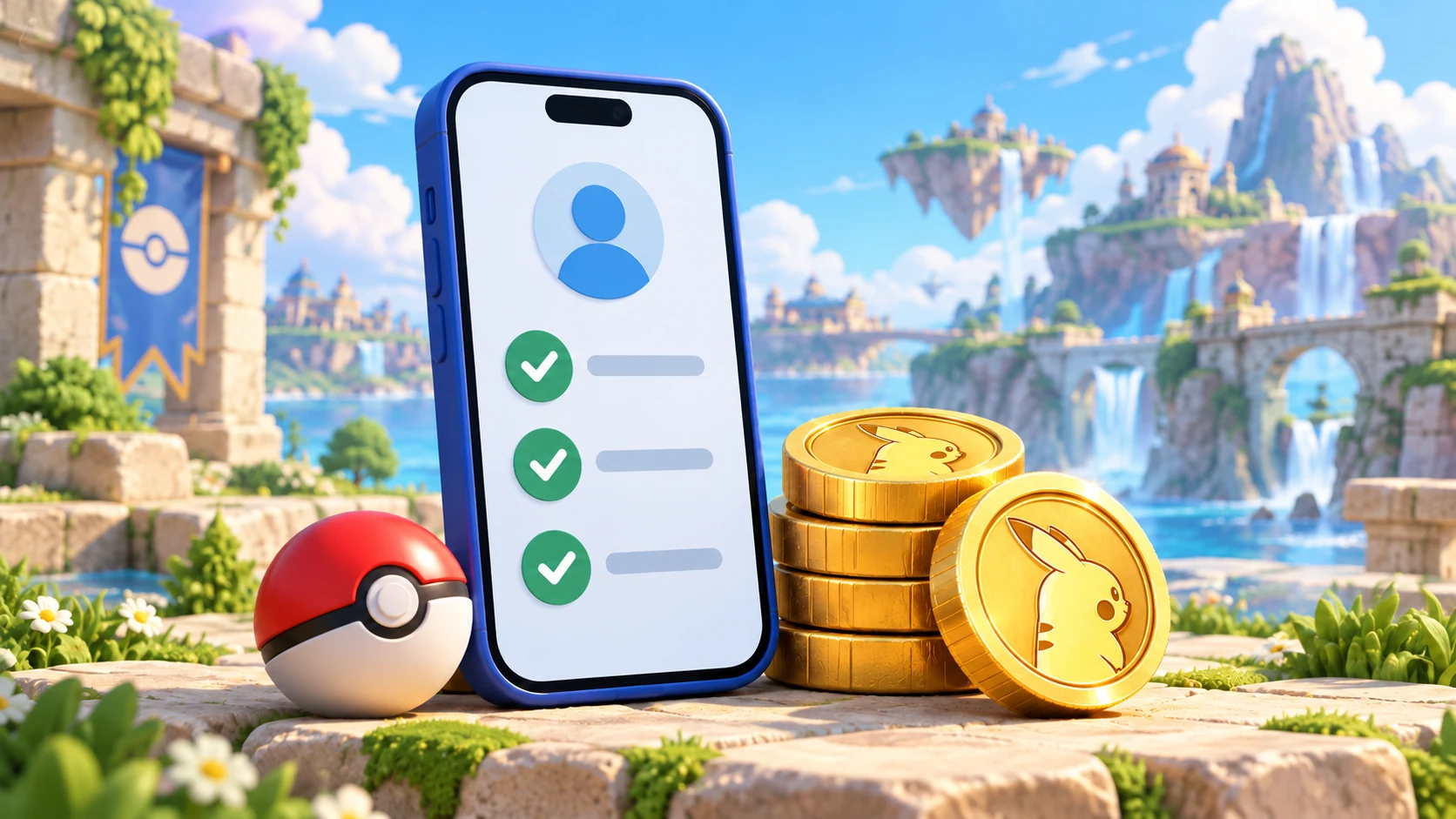
Before ordering Pokémon GO PokéCoins on YUNKA MALL, check your linked sign-in method, the target account and the selected product. Confirm those details before creating and paying for an order.
This guide describes the store’s current login-based fulfilment process. YUNKA MALL is an independent third-party service; the product page sets out the required details and delivery method.
Before ordering: confirm the linked account
Open Settings, then Account in Pokémon GO to check the methods linked to your current Trainer. Our order page offers Google, Facebook and Pokémon Trainer Club (PTC).
| Sign-in method | Details to check |
|---|---|
| The Google email linked to this Trainer | |
| The email or phone number used to sign in to that Facebook account | |
| PTC | The relevant Trainer Club username; follow the form for any further details |
If your device has several accounts, use the game’s linked-account information rather than assuming that the browser’s selected account is correct. A Trainer nickname or friend code can help identify a character but cannot replace sign-in details.
If you only use Apple sign-in, check whether the same Trainer already has a supported method linked. Ask support first if you are unsure; do not create another character to place the order.
Before submitting: check the product and total
On the Pokémon GO PokéCoin top-up page, review the selected item, quantity and amount due. Coin packs, item bundles and passes are different products, even when their images look similar.
For item bundles, check bag space and purchase eligibility. A bundle containing Remote Raid Passes also needs to meet the game’s current acquisition conditions. See the Raid Pass comparison guide if you are unsure which pass you need.
After payment: return to the original order
Open the order under My Orders to check payment status, progress and staff messages. For QR payments, submit payment evidence when the order page requests it. For wallet payments, check the result shown on the page.
| Order status | What it means |
|---|---|
| Awaiting payment | The order has been created; follow its payment instructions |
| Awaiting review | Payment evidence has been submitted for checking |
| In progress | Payment is confirmed; the order is queued or being processed |
| Completed | Fulfilment is complete; check the relevant game account |
If you have paid but the status has not updated, review that order and the payment record before doing anything else. Do not create another order and pay again. You do not need to rely on an automatic redirect or keep the payment page open; the original order remains available under My Orders.
When verification is requested
If sign-in requires an email code, a phone confirmation or another check, staff will send a request through the order. Keep the linked email or verification device available and follow the method shown in that request.
Use the “No prompt received” option if the email or phone prompt does not arrive. If you close the page, reopen the same order to continue; there is no need to order or pay again.
Avoid changing the password or switching sign-in accounts while the order is being handled. For incorrect details or a rejected order, read the staff message and use the correction option if available.
After completion: check delivery and keep the record
Open Pokémon GO, confirm that you are using the Trainer named in the order, and check the coin balance. Reopen the game if the balance has not refreshed.
If it is still unchanged, contact support through the order with the order number, current status and a balance screenshot. Hide unrelated private information in the screenshot.
Keep the order number and payment evidence. Explaining which order is affected and the exact step that failed gives support a clearer starting point.